 Malleable
How a run works
A run starts from a form, an email, a message, a schedule or another app. It moves one stage at a time and asks people for the decisions that are theirs.
What starts a run
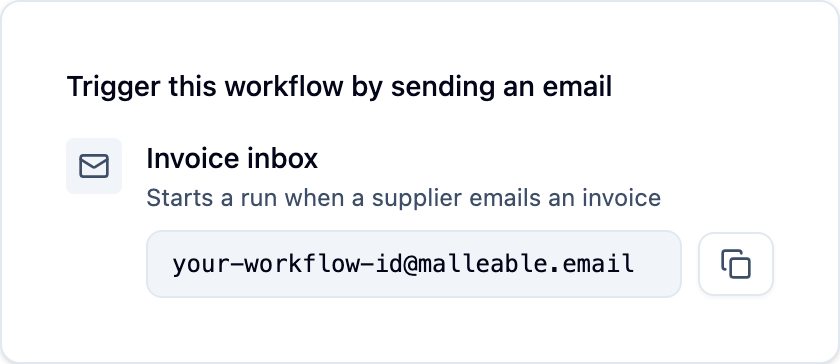
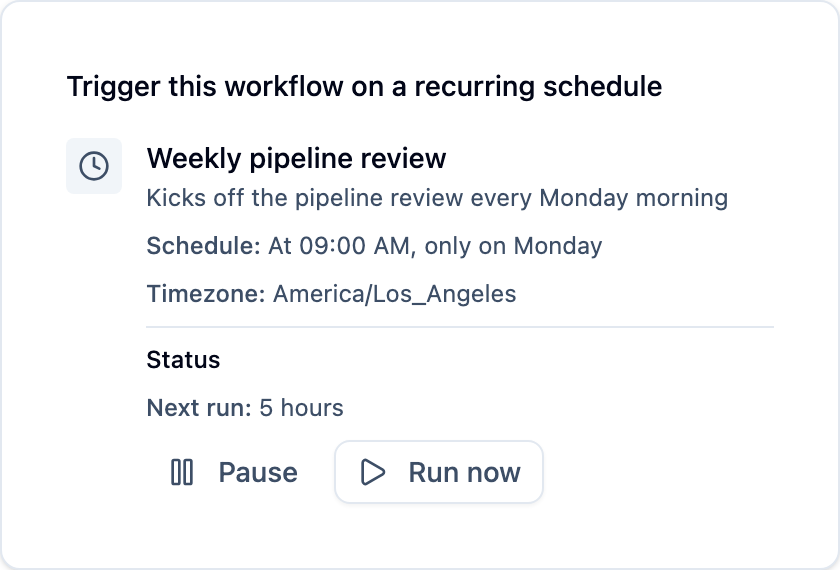
A form someone fills in, an email, a Slack or Teams message, a schedule, or a request from another app.
One stage at a time
The run can't leave a stage until it has the data that stage needs, and it can only go to a stage the plan connects. A stage can also wait for something, like three approvals.
Judgment where you allow it
At stages where you allow it, the AI uses judgment, like reading an unusual request or deciding who to ask.
People decide what's theirs
When a decision belongs to a person, the run sends them a Handoff and waits, for days if needed. Waiting uses no computing power.
Every run is on the record
Each run records what the AI did, who decided what, and the form each person saw. Watch it live on the Canvas, or look back later.
For example
A vendor emails an invoice. Malleable reads it, matches it to the purchase order, and checks the price against your price list. The price went up, so it asks the buyer whether to accept it. Once they answer, it updates the record and lets the vendor know.
See a full workflow like this →